Best Free AI Resources in 2026: Tools, APIs, Credits, Student Offers and Startup Programs
AI is becoming cheaper surprisingly fast.
But there is a problem.
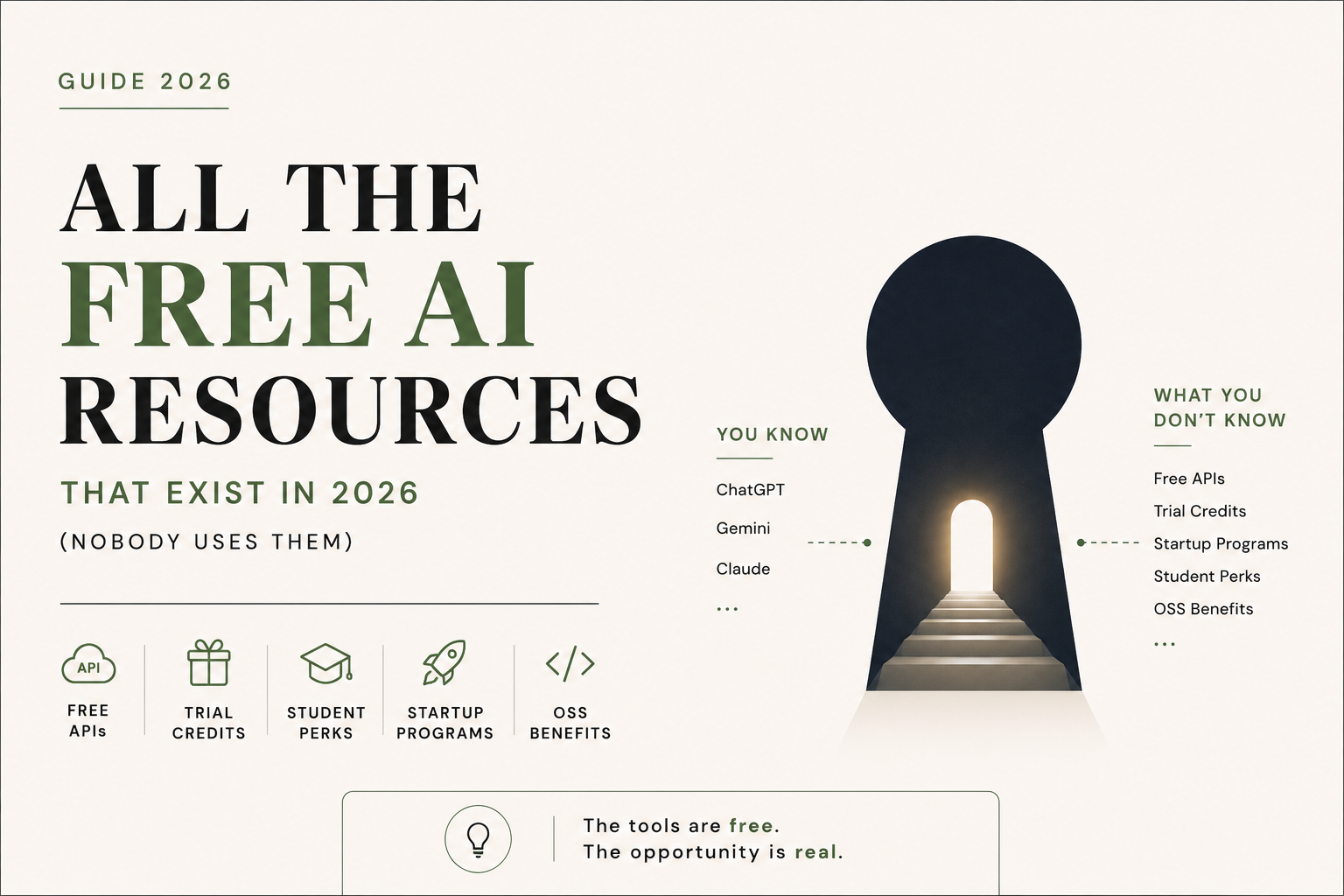
Most people only know about the obvious free versions of ChatGPT, Gemini, Claude and a handful of AI tools. They do not know about free API tiers, developer credits, student programs, startup grants, open-source benefits and cloud credits that can provide access to significantly more AI infrastructure.
In 2026, you can build, test and automate a surprising amount of work without spending much money on AI.
This guide brings together some of the most useful free and subsidised AI resources available in 2026, with a particular focus on developers, students, startups, professionals and businesses.
Important: AI pricing, limits and eligibility change frequently. The benefits below should be treated as opportunities to check, not permanent guarantees. Always verify the current terms before relying on a free allowance for production work.
1. Free AI APIs and inference platforms
If you are building an application, automation or internal tool, API access is often more useful than a consumer chatbot subscription.
Google AI Studio
Google AI Studio provides access to Gemini models and a free API tier, subject to model-specific rate limits.
The important point is that there is no single universal “Gemini free limit”. Google states that limits depend on the model, usage tier and account, and can include requests per minute, tokens per minute and requests per day.
For developers experimenting with AI applications, it remains one of the first platforms worth checking.
Best for:
- Prototyping AI applications
- Testing Gemini models
- Large-context experiments
- Building small automations
Website: Google AI Studio
Groq
Groq is particularly interesting if speed matters.
Its developer platform provides free API access with rate limits that can be substantially higher than what many developers expect. Current documentation shows examples of limits such as 14,400 requests per day, depending on the model and account.
The platform is built around specialised inference hardware, making latency one of its major attractions.
Best for:
- Fast AI applications
- Chatbots
- Classification
- Structured extraction
- Developer experiments
Website: Groq
Cerebras
Cerebras is another platform worth knowing if inference speed is important.
Its wafer-scale architecture is designed specifically for high-performance AI workloads.
For developers, the attraction is simple: extremely fast inference without having to operate your own specialised hardware.
Check the current developer limits before designing an application around a particular quota.
Website: Cerebras
Mistral
Mistral provides developers with access to its models through its API platform, including experimentation options subject to current usage limits and terms.
It is particularly useful if you want to compare different model families instead of depending on a single provider.
Website: Mistral AI
Cloudflare Workers AI
Cloudflare Workers AI is particularly interesting for developers already using Cloudflare.
The current free allocation is 10,000 Neurons per day. Cloudflare notes that some resource-intensive models now require the paid Workers plan, while many models remain available under the free allocation.
This makes Workers AI particularly useful for small AI-powered web applications and edge-based experiments.
Website: Cloudflare Workers AI
OpenRouter
OpenRouter is useful for a completely different reason.
Instead of committing your application to one model provider, it gives developers a common interface to models from multiple providers.
It also has free models.
However, the current free-model limit is important to understand. OpenRouter states that users without at least $10 in purchased credits are limited to 50 free-model requests per day. Users who have purchased at least $10 in credits can receive a higher free-model limit of up to 1,000 requests per day.
So it is better described as a multi-model experimentation platform than an unlimited free API.
Website: OpenRouter
2. Do not ignore GitHub
One of the most overlooked sources of free AI resources is GitHub Education.
Verified students can receive free access to GitHub Copilot Student, alongside other benefits available through the GitHub Student Developer Pack.
Even better, GitHub now also has a general Copilot Free tier.
The current free plan includes:
- 2,000 code completions per month
- Access to selected AI models
- Copilot CLI
- No credit card required
For students, the Student plan provides additional access beyond the standard free tier.
Website: GitHub Education
3. Student benefits can be worth hundreds of dollars
If you are a student, do not treat your student email as just an academic login.
It can unlock an entire developer ecosystem.
GitHub Student Developer Pack
The pack provides access to numerous developer tools and partner offers for verified students.
One of the most important benefits is GitHub Copilot Student.
Cursor
Cursor also maintains a dedicated student program. Current student offers and eligibility should be checked directly on its student page because these offers can change.
Other student AI offers
AI companies periodically run student promotions for products such as:
- AI coding assistants
- Research assistants
- Cloud platforms
- Productivity tools
- Developer environments
The important lesson is not to assume that a student benefit you saw on social media six months ago is still active.
Check the provider’s current student page before publishing or relying on a specific offer.
4. Startups have access to much larger AI budgets
This is where the numbers become interesting.
A startup should not immediately assume that every AI expense has to come out of its own bank account.
Several major technology companies run startup programs that provide credits, infrastructure and technical support.
Google for Startups Cloud Program
Google currently advertises up to $350,000 in Google Cloud credits for qualifying AI startups.
The program structure is eligibility-dependent, with different tiers for different startup stages. Google states that qualifying early-stage startups can receive up to $200,000, while AI startups can receive up to $350,000.
These are cloud credits, not unrestricted cash.
That distinction matters.
They can help cover eligible Google Cloud usage, but they should not be treated as a ₹3 crore cash grant sitting in the company’s bank account.
Website: Google for Startups Cloud Program
OpenAI startup programs
OpenAI also provides startup-focused programs and benefits.
Eligibility and credit amounts depend on the specific program and participating startup. Therefore, founders should check the current OpenAI startup page rather than assuming a fixed credit amount.
Website: OpenAI for Startups
NVIDIA Inception
NVIDIA Inception is another program worth exploring for eligible startups building AI-related products.
The program can provide access to technology resources, technical support and ecosystem opportunities.
It is particularly relevant for startups whose products depend heavily on AI infrastructure.
5. Open-source developers have their own opportunities
Open-source maintainers are another group that often gets overlooked.
For example, OpenAI currently has a Codex for Open Source program.
Selected maintainers can receive:
- Six months of ChatGPT Pro
- API credits for qualifying open-source work
- Potential access to Codex Security
- Support for coding, reviews, issue triage and maintenance workflows
This is not an automatic benefit for anyone with a GitHub repository.
Applications are reviewed, and OpenAI looks for projects with meaningful usage, broad adoption or clear ecosystem importance.
6. India has a particularly interesting AI advantage
For Indian users, one offer deserves special attention.
OpenAI launched ChatGPT Go in India before expanding it globally. OpenAI’s India promotion offered eligible users 12 months of ChatGPT Go at no cost, subject to the promotion’s eligibility and redemption conditions.
However, this should not be confused with permanent free ChatGPT access.
Promotional offers have eligibility requirements, expiration dates and redemption conditions.
The broader lesson is more important:
Always check whether your country has a local AI promotion before paying for an international plan.
7. The most useful strategy is not finding one free AI tool
This is where most people approach AI incorrectly.
They search for:
“What is the best free AI?”
A better question is:
“Which free resource is best for this particular job?”
For example:
|
Requirement |
Resource worth checking |
|---|---|
|
General AI experimentation |
Google AI Studio |
|
Very fast API inference |
Groq |
|
Multi-model API experimentation |
OpenRouter |
|
Edge AI applications |
Cloudflare Workers AI |
|
AI coding |
GitHub Copilot |
|
Student developer benefits |
GitHub Education |
|
Startup cloud infrastructure |
Google for Startups |
|
Open-source AI development |
Codex for Open Source |
|
AI application prototyping |
Gemini API / other free API tiers |
The goal is not to collect 50 free accounts.
The goal is to combine the right resources intelligently.
8. What a student can potentially build for almost nothing
Consider a student who has:
- A verified student account
- GitHub
- Access to student developer benefits
- A laptop
- Basic programming knowledge
That student can potentially combine:
GitHub + Copilot + free AI APIs + cloud credits + open-source models
to build:
- SaaS prototypes
- AI agents
- Research tools
- Websites
- Automation systems
- Data-analysis applications
- Portfolio projects
The infrastructure cost can be extremely low during the experimentation stage.
The real limitation is often not money.
It is knowing where to look.
9. What a startup founder should do before paying for AI
If you are running an AI startup, create a simple checklist before putting an AI API on your company credit card.
Step 1: Check the provider’s free tier
Find out:
- Requests per minute
- Requests per day
- Token limits
- Model availability
- Data retention terms
- Commercial-use restrictions
Step 2: Check startup programs
Look at:
- Cloud credits
- API credits
- Accelerator benefits
- Partner programs
- VC ecosystem benefits
Step 3: Check cloud credits
Google, Microsoft, AWS, NVIDIA and other infrastructure providers periodically offer startup programs.
Step 4: Calculate the actual cost
Do not compare AI products only by subscription price.
Calculate:
Cost per million tokens + infrastructure + storage + API calls + support
Step 5: Keep a paid fallback
Free tiers are excellent for development.
They are not necessarily suitable as the only infrastructure for a production application.
10. One important warning about “free AI”
Free does not always mean unlimited.
And free does not always mean suitable for confidential data.
Before uploading client information, financial records, customer databases, tax documents or other sensitive information to an AI platform, check:
- Whether the data is retained
- Whether it can be used for model training
- Whether your organisation has approved the service
- Where the data is processed
- Whether the provider offers appropriate privacy controls
- Whether your professional obligations permit the use
This is particularly important for professionals handling confidential client information.
For a CA firm, “free” should never be the only criterion.
The real AI advantage in 2026
The biggest AI advantage is no longer simply knowing how to use ChatGPT.
It is knowing how to navigate the AI ecosystem.
There are:
- Free model tiers
- Free API quotas
- Cloud credits
- Student programs
- Startup programs
- Open-source benefits
- Developer programs
- Regional promotions
- Free coding assistants
- Free experimentation environments
Many of these opportunities have eligibility requirements and change frequently.
But if you know where to look, you can significantly reduce the cost of learning, experimenting and building with AI.
The tools are already there.
The question is whether you know how to find them.
Last updated: August 2026
Because AI pricing, model availability, quotas and promotional programs change rapidly, verify the provider’s official terms before relying on any specific offer.
For CA, finance and business professionals: the bigger opportunity is not simply using free AI tools. It is learning how to use AI safely for research, Excel automation, MIS reporting, reconciliation, documentation, workflow automation and decision support without compromising client confidentiality.
Disclaimer:
This article is for general informational purposes only and should not be considered professional advice. Please consult a qualified expert for advice tailored to your specific situation. The author and website owner are not liable for any errors or actions based on this content.


